Insight 04 · Productivity & Back-Office Automation7 min read

How practical AI productivity tools save business owners and teams 15+ hours every week.

A practical guide to eliminating repetitive data entry, reading long PDFs and supplier bids in seconds, automating invoice follow-ups, and syncing field checklists with the office.

Common Question Answered:“What are the best ways to use AI to improve productivity and cut down on business paperwork?”
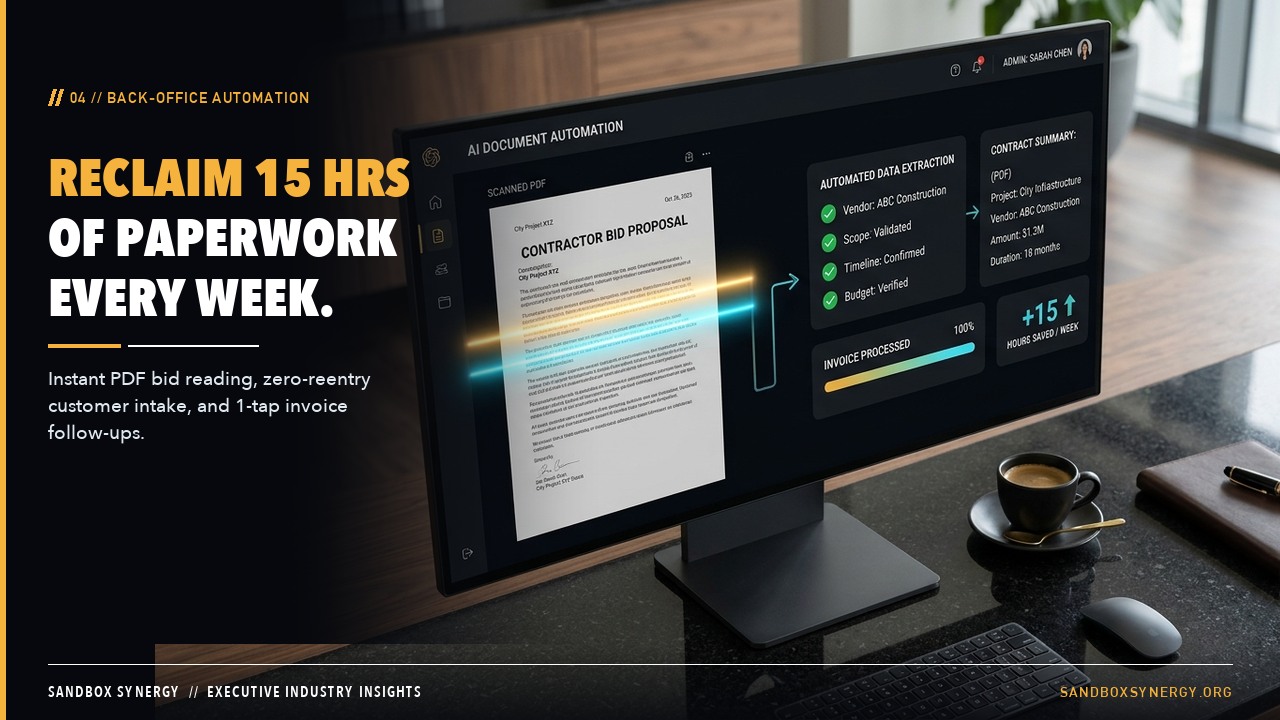
Executive obsidian desk with a glass studio display transforming a multi-page bid PDF into a structured action table and automated invoice checklist

Key Takeaways at a Glance

  • Small and mid-sized business teams spend an average of 12 to 18 hours every week copying information between emails, PDFs, spreadsheets, and billing software.
  • Automated document readers can summarize 60-page bid packages, vendor invoices, or insurance forms into clean action tables in under 15 seconds.
  • Connecting field photo checklists, route updates, and automated payment reminders frees owners to focus on high-value customer relationships and growth.

01 · Why does my office team spend so much time on manual computer work?

Where 15 hours a week quietly disappear inside a growing business

Ask any business owner or office manager what drains their week, and the answer is rarely the core craft itself. It is the endless administrative glue work: re-typing customer addresses from an email into an estimate sheet, transferring approved estimates into an invoice tool, chasing overdue payments, and reading through dense PDF packets to pull out line items.

Each task only takes ten or fifteen minutes in isolation, which is why teams tolerate it for years. Together, those micro-tasks consume two full workdays every single week.

The Hidden Cost of Double Entry

Manual copy-pasting doesn't just waste 9 to 15 hours a week—it also introduces billing typos, missed line items, and delayed invoice collection.

02 · Which business tasks should I automate first with AI?

Four high-return automations that pay for themselves immediately

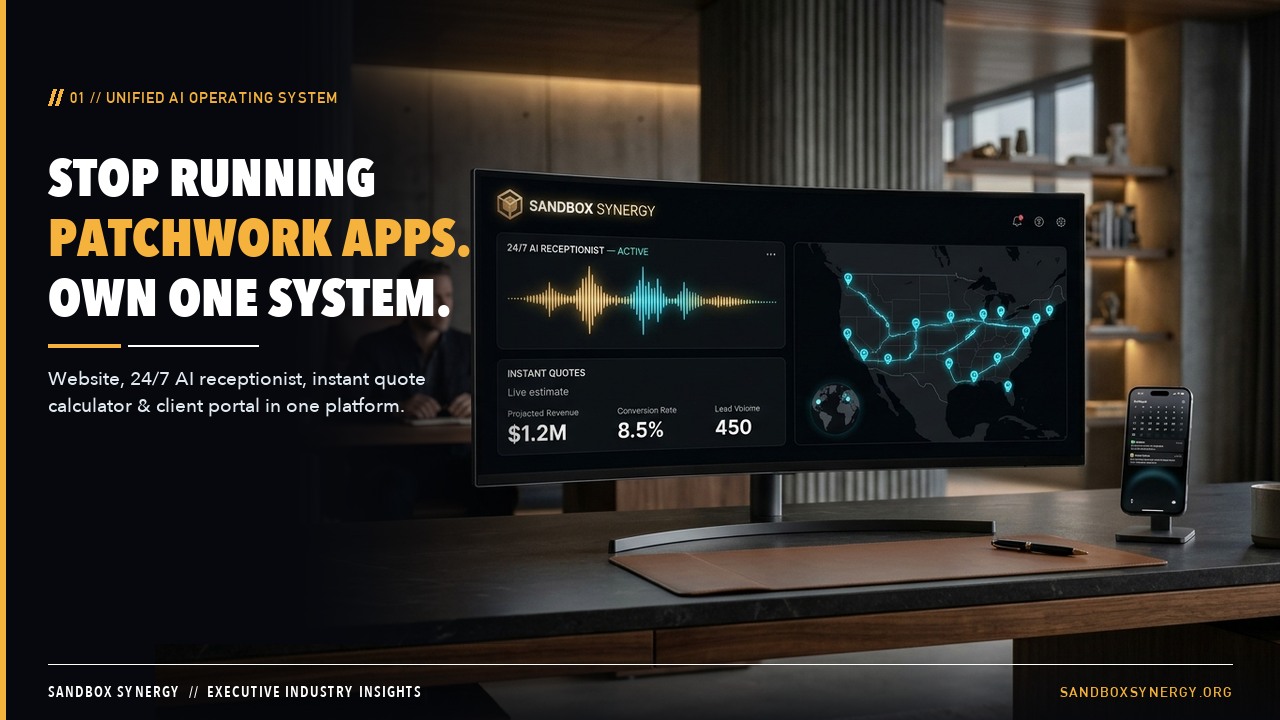
First, unify intake to invoice: when a customer requests a quote on your Sandbox Synergy website, their contact record, project scope, calendar appointment, and draft invoice are created automatically without anyone re-typing a single field.

Second, deploy instant document reading: drop a 50-page RFP, supplier price sheet, or contract PDF into your private portal and receive an instant line-item breakdown and risk summary. Third, turn on polite automatic deposit and invoice follow-ups by text and email. Fourth, automatically request a 5-star Google review the afternoon a job is marked complete.

03 · How do we connect office automation with crews working out in the field?

Bridging office productivity with field execution

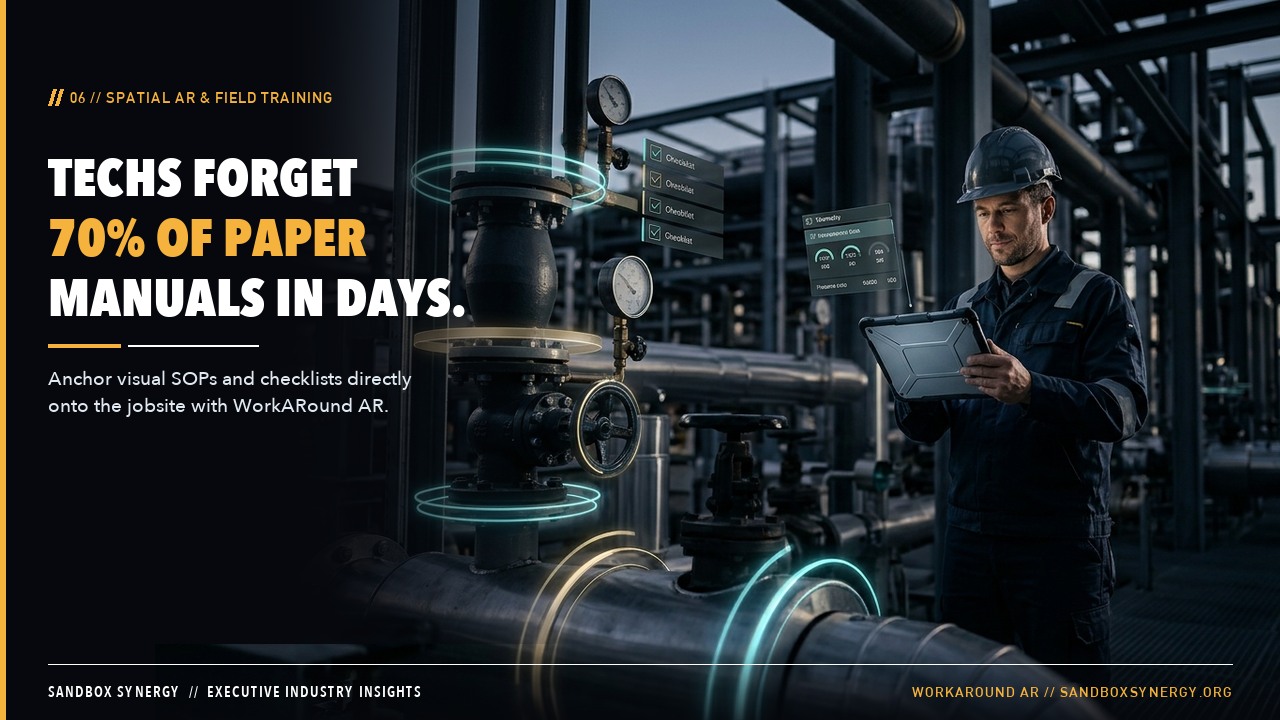
True productivity happens when the office and the field share a single source of truth. When field technicians complete visual step-by-step inspections on the WorkARound AR Platform, their progress photos and sign-offs flow straight back to the project record.

Similarly, dispatchers using the SOSRoute API can see real-time route conditions without calling drivers mid-route, and energy supervisors coordinating teams across FracPin.com and OilHand.social spend less time on check-in phone calls and more time executing safely.
Side-by-Side Industry Benchmark

Weekly time savings across common back-office and field coordination tasks

Weekly WorkflowManual Time SpentWith Sandbox Synergy Automation
Quote Intake & CRM Entry4.5 hours/week copying emails and voicemails0 hours — captured and synced automatically 24/7
Reading Bid Packages & Vendor PDFs4.0 hours/week skimming long documents15 minutes — instant AI line-item extraction and summaries
Chasing Deposits & Unpaid Invoices3.5 hours/week making awkward follow-up callsAutomated polite SMS & email reminders with one-tap payment links
Collecting Customer Reviews & Job Photos3.0 hours/week texting crews and customers manuallyAutomated 60-second crew photo checklists and review texts

Connected Platforms & Live Industry Solutions

Explore the platforms powering modern office, active site sales leads, route, and spatial field operations.

From automated customer capture on your website to active frac and drilling site sales leads, territory mapping, and daily analytics, oilfield social media for job postings, recruiting, and community groups, highway corridor awareness, and augmented-reality jobsite walkthroughs, explore our connected platform network:

Business Operating System

Sandbox Synergy AI

Done-For-You Custom Business Websites, AI Receptionists & Operations Portals

Builds, hosts, and maintains custom websites, instant online quote calculators, 24/7 AI phone and chat receptionists, client portals, and daily exclusive lead finders for growing businesses.

Spatial Computing & AR

WorkARound AR Platform

Spatial Augmented-Reality Jobsite Walkthroughs & Visual Field Checklists

Anchors interactive visual instructions, inspection markers, and step-by-step training overlays directly onto real-world jobsites and equipment so crews execute right the first time.

Logistics & Fleet API

SOSRoute API

Commercial Fleet Dispatch, Live Corridor Telemetry & Route Awareness API

Gives logistics dispatchers, service fleets, and enterprise operations live route risk visibility, arrival-window confidence, and corridor alerts directly inside their dispatch dashboards.

Oilfield Social Media & Recruiting

OilHand.social

The Oilfield's Exclusive Social Media Site & Networking Platform for Job Postings, Recruiting & Community Groups

The oilfield's exclusive social media site and networking platform built for job postings, recruiting, and community groups across every basin and energy trade.

Direct Answers

Frequently asked questions

Will automation make our business feel robotic to our customers?+

Actually, the opposite happens. Because routine scheduling confirmations, estimate summaries, and receipts go out promptly in your warm brand voice, your team has more unhurried time for personal conversations.

Can we still review estimates and invoices before they go out?+

Yes. You have full control over which steps run automatically and which steps wait for a one-click owner approval.

Does this replace our existing spreadsheets or accounting books?+

It works right alongside them, syncing clean rows automatically so your bookkeeper and accountant always have up-to-date numbers.

Continue Exploring

Special Solo & Self-Startup Price PointBuilt for 1–2 Person New Launches

Self-Startup Business Launchpad — $297 setup + $79/mo.

Starting a new business on your own or transitioning a side hustle into a full-time company? Look and operate like an established 10-person firm on day one—without an $8,500 agency bill or a $397/mo enterprise software stack.

  • Custom-branded launch website & domain setup
  • 24/7 AI call & text receptionist (answers while you work)
  • Instant ballpark quote & appointment booking calculator
  • 1-tap digital deposit & invoice payment link
  • Automated 5-star Google review & referral builder
  • Seamless upgrade path as you add trucks or staff

Solo Founder Launchpad

$297one-time setup + $79/mo

Saves $8,203 upfront vs. $8,500 startup agency packages

Build My Free Live Preview First

See It for Your Business

Tell us about your business.