
Revenue generators
Invoices out the door in minutes, and nothing slips past due.
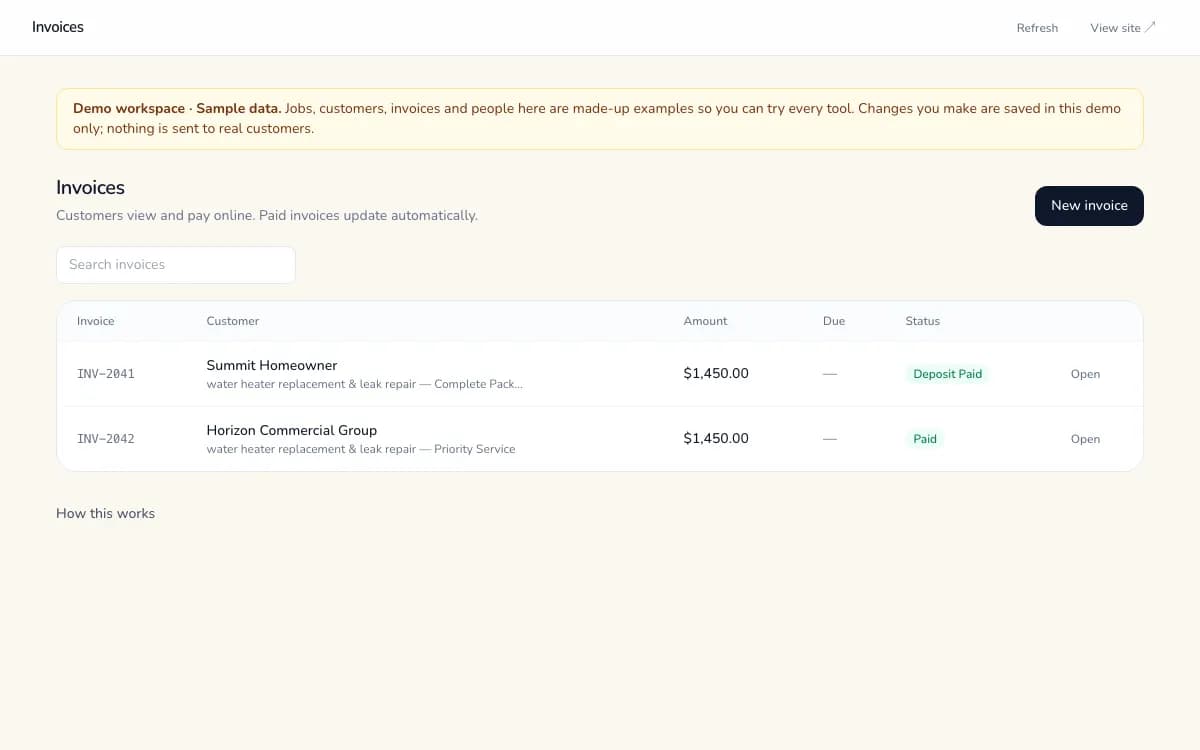
Turn an approved quote into an invoice in one click, send it, and see that it really went out. Due dates and overdue flags keep cash flow visible, and customers get a clean invoice page with a PDF.
Built, hosted and maintained for you · Every item below labelled honestly
What's included
Exactly what works today.
Available now means it's in production for clients. Beta works end to end with a few gaps we tell you about. Coming soon isn't live yet.
- Invoices with line items, due dates and overdue flagsAvailable now
- Send and resend with real delivery statusAvailable now
- Edit unpaid invoices with history; void when neededAvailable now
- Customer invoice page, PDF and receipt historyAvailable now
- Customers pay online by card, straight to your accountBeta
Before vs after
The same work, without the busywork.
Today
- 1Approved work is retyped into a separate invoicing app.
- 2You can't tell which invoices actually reached the customer.
- 3Overdue invoices are found at month-end, if at all.
- 4Customers call asking for a copy of last month's invoice.
With Sandbox Synergy
- 1Approved quote → draft invoice in one click, line items included.
- 2“Sent” only shows when the email really went out.
- 3Overdue invoices are flagged automatically.
- 4Customers request their own history by email and download PDFs.
How it works
4 steps, start to finish.
- 01
Create
Start from an approved quote or a blank invoice with validated line items.
- 02
Send
Send or resend; the status reflects what really happened.
- 03
Track
Due dates, overdue flags and edit history keep everyone honest.
- 04
Customer self-serve
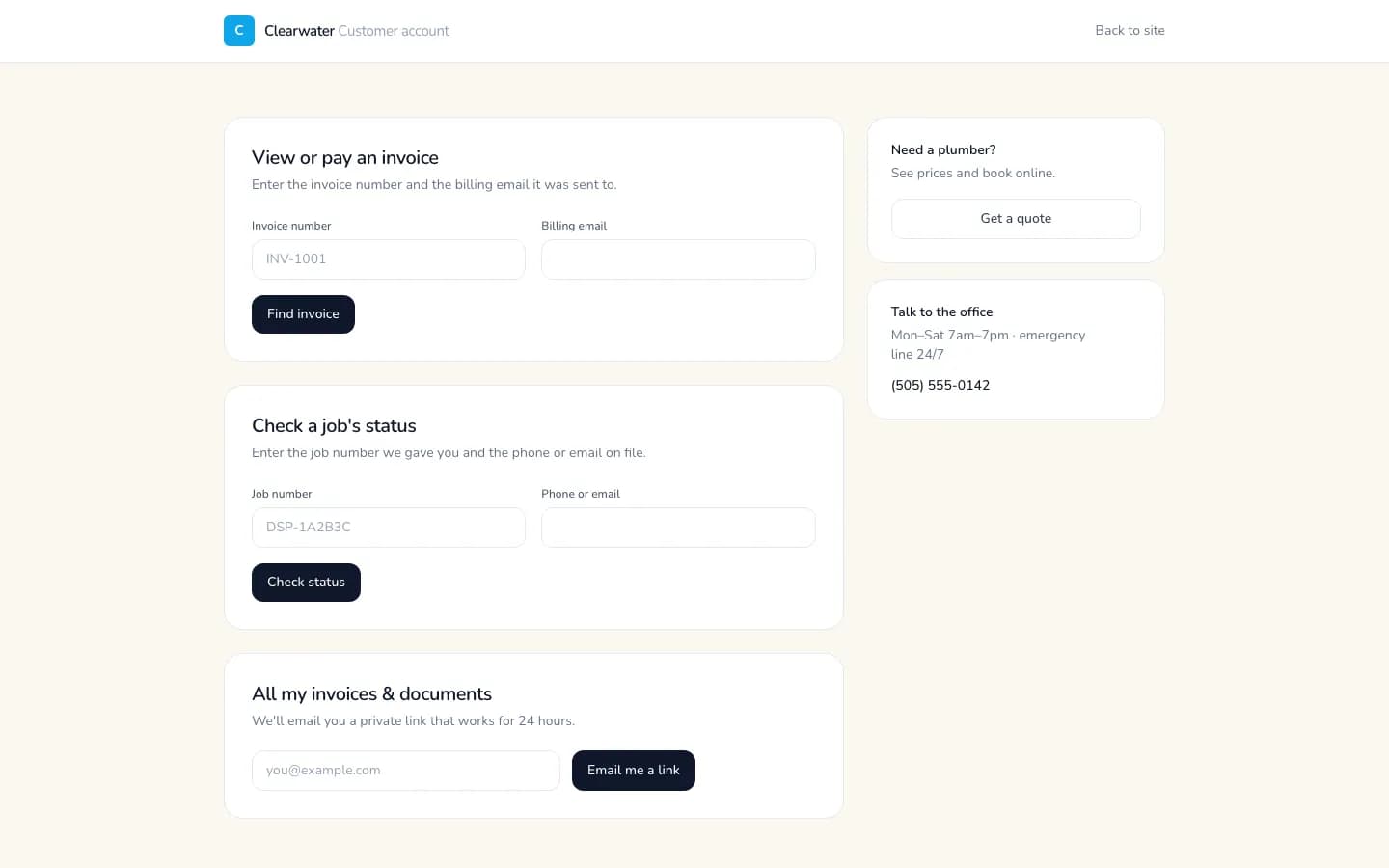
Customers open their invoice page, download the PDF and see past receipts.
Two sides, one system
What your customer sees, and what your team sees.
Your customer
- A clean invoice page with your branding and a PDF
- Their past invoices and receipts via a private emailed link
- Online card payment where enabled (beta)
Your team
- Invoice list with search, paging and overdue flags
- Edit history and void with the payment link disabled
- Totals that feed straight into Reports
Time back, in your numbers
What could this be worth to you?
No made-up statistics. Put in your own numbers and see a plain estimate of hours saved and what that time is worth.
Who it's for
Built for businesses like yours.
FAQ
Straight answers.
Can customers pay online?
Online card payment is in beta. Money goes straight to your own payment account, never ours. Invoicing, PDFs and overdue tracking are fully live.
Can I edit an invoice after sending?
Yes, while it's unpaid. Every change is recorded with who and when. Paid invoices are locked.
Does it work with my accounting software?
You can export invoices, payments and customers to a spreadsheet file your accounting software can import. Direct connections are coming soon.
What if I need to cancel an invoice?
Void it. The payment link stops working and the history shows who voided it.
Want Invoices & Payment Links in your business?
Tell us how you work and we'll show you a plan with only the pieces you need, built, hosted and maintained for you.
More revenue generators
- Instant Quotes & E-Sign ApprovalCustomers see a price on your website, then approve your quote with a typed signature from a private link.
- 24/7 AI Website ChatAn AI assistant on your website answers from your own information and takes callback requests day or night.
- Custom Lead FinderFresh leads from real public sources, each with its source link and date. Never invented contacts.