
Revenue generators
Every customer, every job, one place, and fewer “where are we at?” calls.
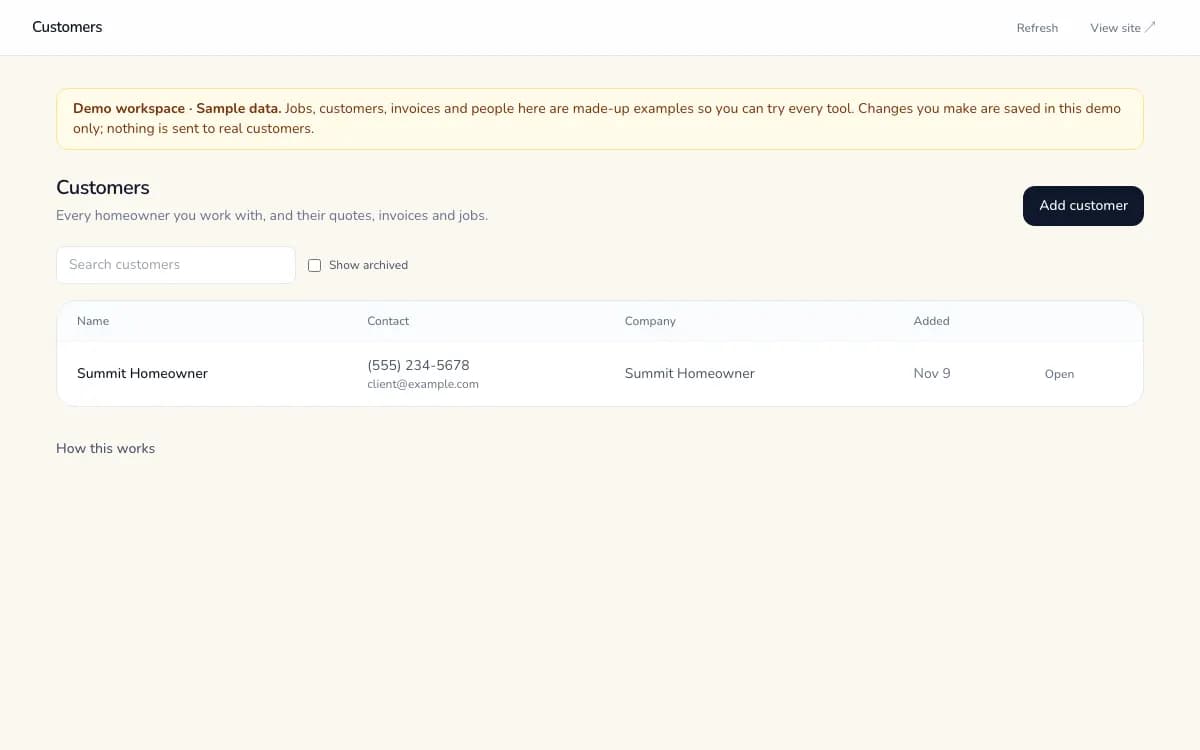
See each customer's quotes, invoices, jobs and documents on one screen. Customers check their own job status, invoice history and shared files without calling the office.
Built, hosted and maintained for you · Every item below labelled honestly
What's included
Exactly what works today.
Available now means it's in production for clients. Beta works end to end with a few gaps we tell you about. Coming soon isn't live yet.
- Customer records with linked quotes, invoices and jobsAvailable now
- Duplicate email/phone guard, search and pagingAvailable now
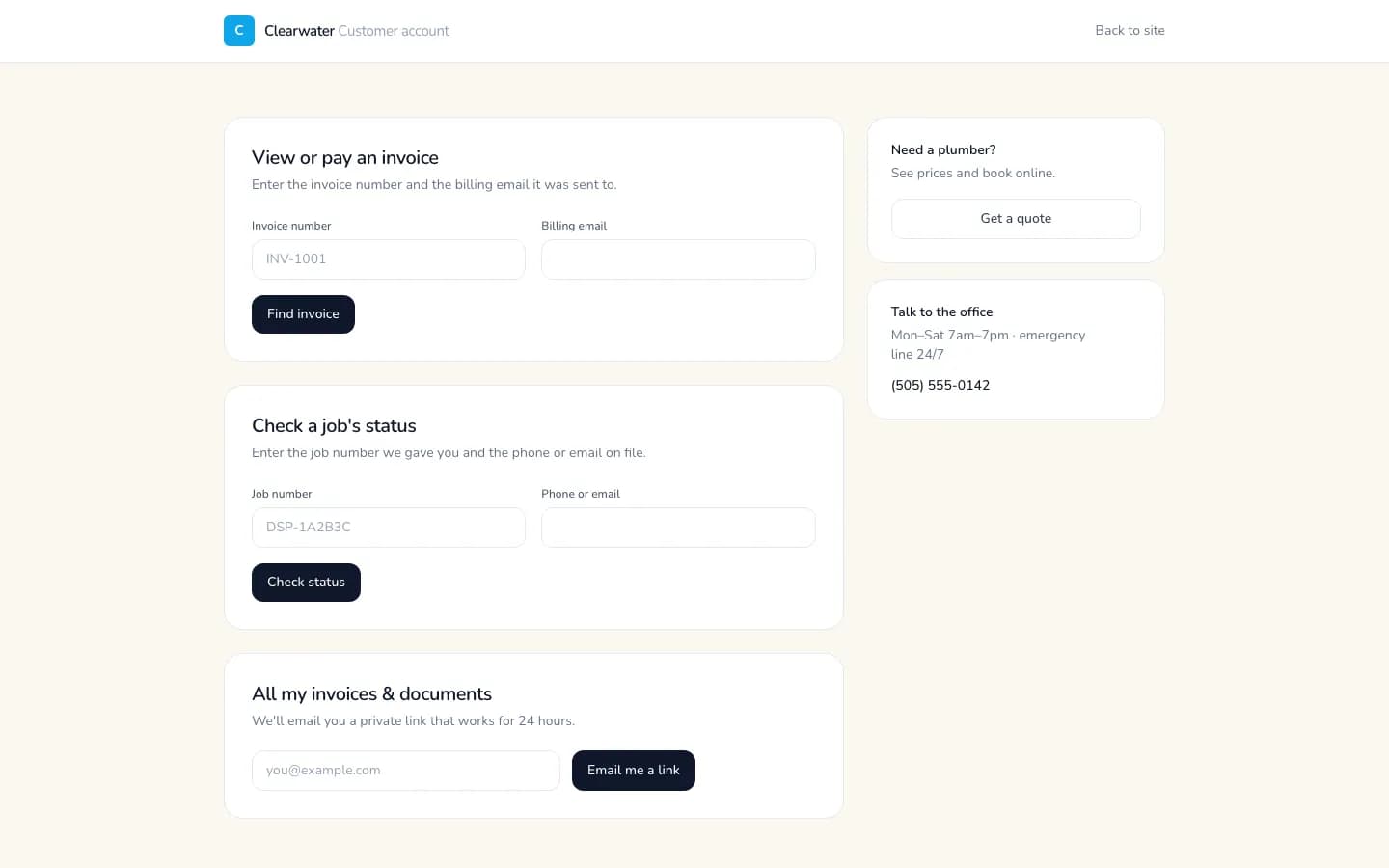
- Customer job-status lookup (job number + phone or email)Available now
- Customer invoice history by private emailed linkAvailable now
- Share documents with a customer (COI, W-9, signed docs)Available now
- Import customers from a spreadsheet (you review the rows first)Available now
Before vs after
The same work, without the busywork.
Today
- 1Customer details live in phones, inboxes and spreadsheets.
- 2Finding a customer's last invoice takes three apps.
- 3Customers call to ask when the crew is coming.
- 4Certificates and W-9s get emailed again and again.
With Sandbox Synergy
- 1One record per customer, duplicates blocked.
- 2Quotes, invoices, jobs and files linked to that record.
- 3Customers check job status with their job number.
- 4Shared documents download from their own page.
How it works
4 steps, start to finish.
- 01
Bring customers in
Add them by hand or from your quotes and website requests.
- 02
Work from one record
Each customer shows linked quotes, invoices, jobs and documents.
- 03
Share what they need
Mark a document “customer can see” and it appears on their page via a short-lived link.
- 04
Let them self-serve
Job status and invoice history are available without a call.
Two sides, one system
What your customer sees, and what your team sees.
Your customer
- Job status and scheduled day with their job number
- Their invoices and receipts via a 24-hour emailed link
- Documents you've chosen to share
Your team
- Search, paging, archive and duplicate protection
- Linked quotes, invoices, jobs and files per customer
- Who uploaded each document and when
Time back, in your numbers
What could this be worth to you?
No made-up statistics. Put in your own numbers and see a plain estimate of hours saved and what that time is worth.
Who it's for
Built for businesses like yours.
FAQ
Straight answers.
Do customers need a password?
No. Job status uses the job number plus the phone or email on file. History arrives as a private link by email that expires after 24 hours.
Can I import my existing customers?
Yes. Upload a spreadsheet or paste a sheet link, match the columns, check the preview, then confirm. Rows with missing names, bad emails or existing customers are skipped and listed.
Who can see a customer's documents?
Your staff, and the customer only if you mark the file “customer can see.” Files are stored privately and shared through links that expire in an hour.
Want CRM & Customer Portal in your business?
Tell us how you work and we'll show you a plan with only the pieces you need, built, hosted and maintained for you.
More revenue generators
- Instant Quotes & E-Sign ApprovalCustomers see a price on your website, then approve your quote with a typed signature from a private link.
- 24/7 AI Website ChatAn AI assistant on your website answers from your own information and takes callback requests day or night.
- Custom Lead FinderFresh leads from real public sources, each with its source link and date. Never invented contacts.